
From a messy playlist
to a real library.
Your IPTV playlist on the TV, with a real programme guide, the right posters and subtitles that fit. Built for the remote control.
7-day trial on first use of the app. No sign-up, no card.
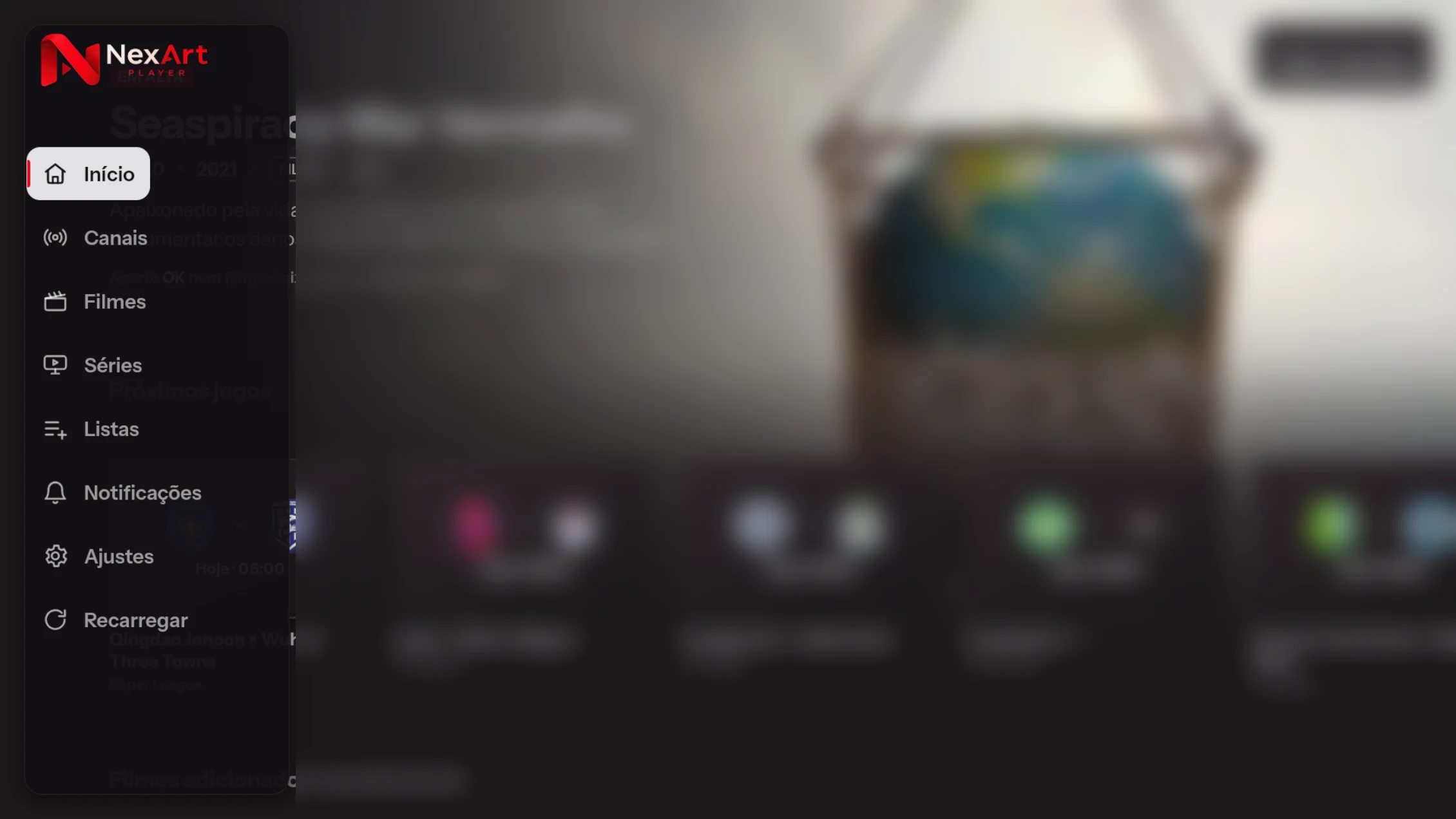
Bring what you already have
One player.
Your playlist.
Connect your Xtream Codes or your M3U link. If your provider has EPG, the guide comes complete.
- Xtream Codes Server, username and password
- M3U via URL Your provider’s playlist link
- EPG / XMLTV Optional — programme guide
Live TV
A real guide,
not a channel list.
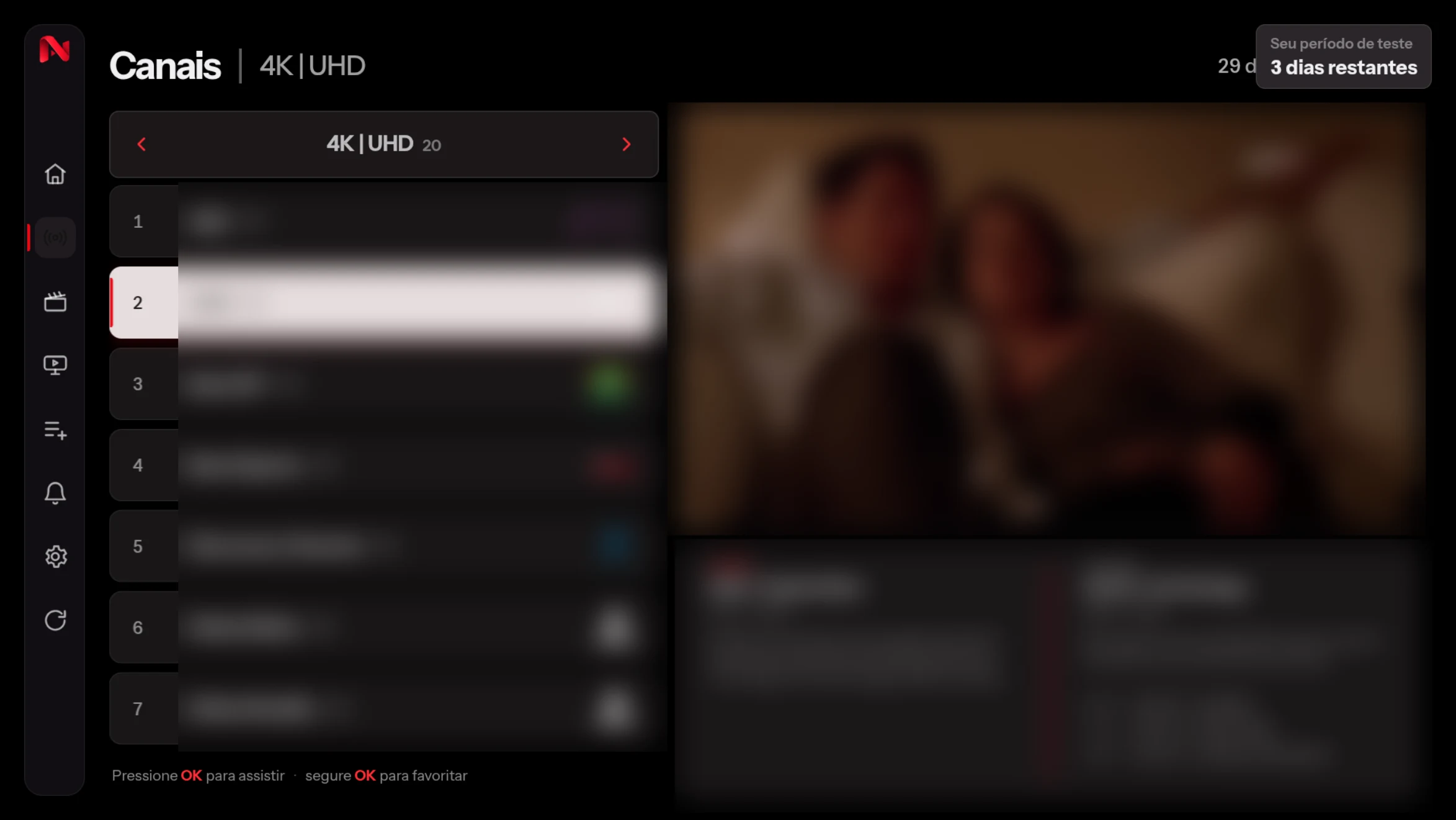
What’s on now, what’s next and the programme synopsis. Categories on the side, search by name and channel zapping with ↑↓ in fullscreen — the way TV is meant to be watched, remote in hand.
Movies & Series
Smart organisation.
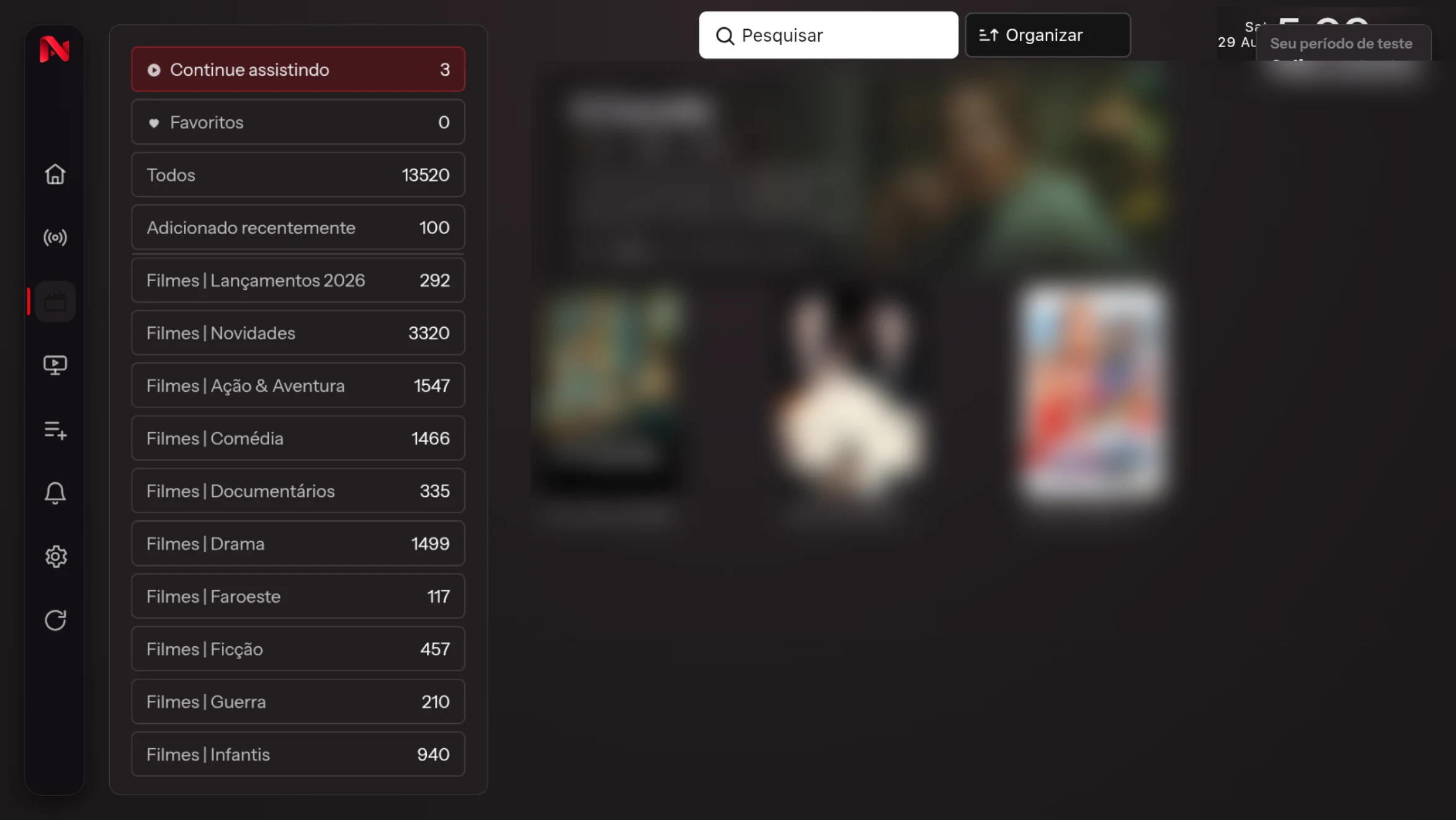
Posters, synopsis, rating and full seasons with episodes in order. Categories come from your playlist, each with its count — and the app remembers where you stopped in every movie and every episode.
Sport
Today’s match,
without searching.
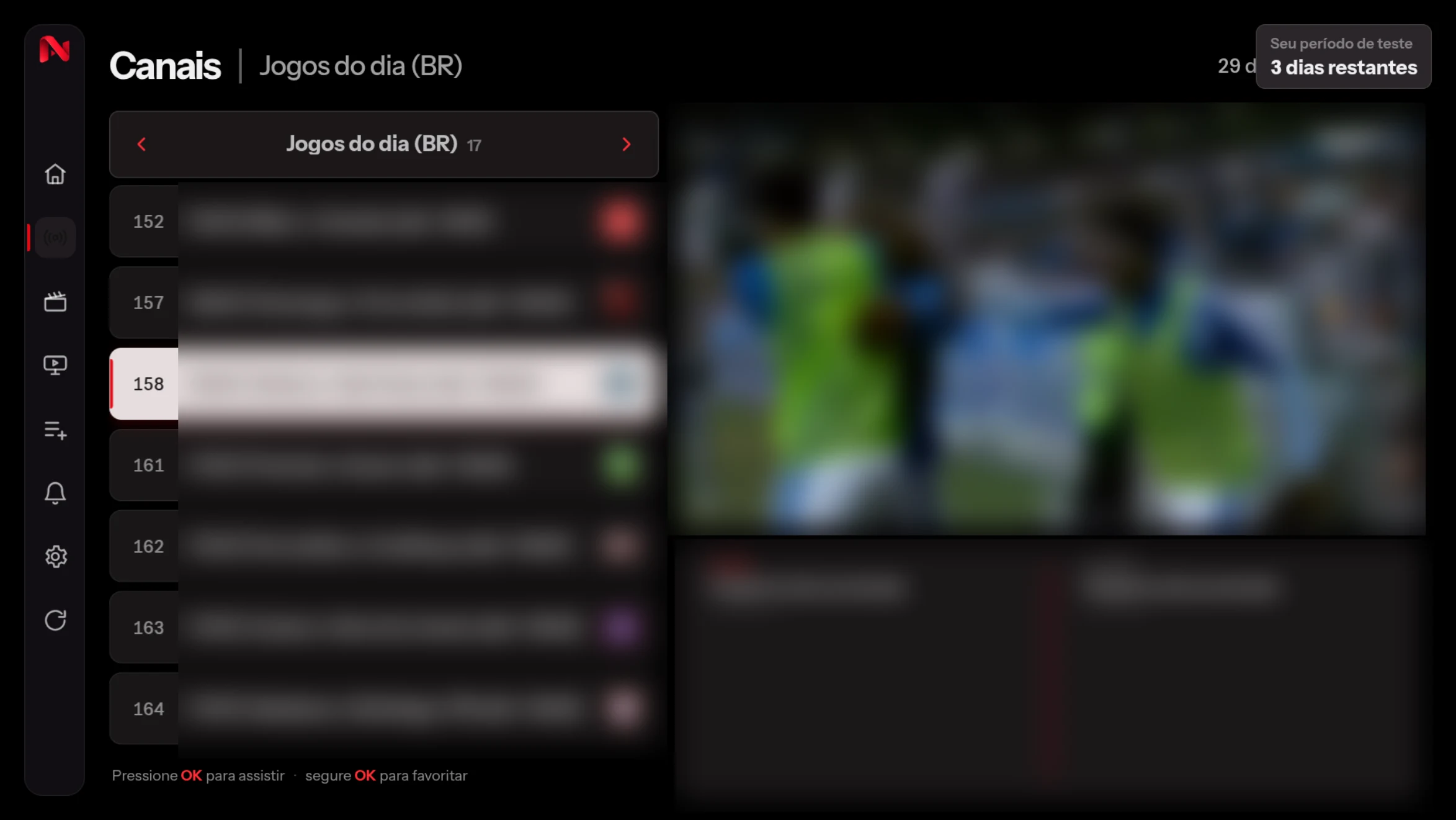
The day’s matches appear by time, with the team and the channel — and the upcoming-matches row sits right on the Home screen. One OK and you’re in the game.
More than one playlist
Multiple playlists,
from different providers.
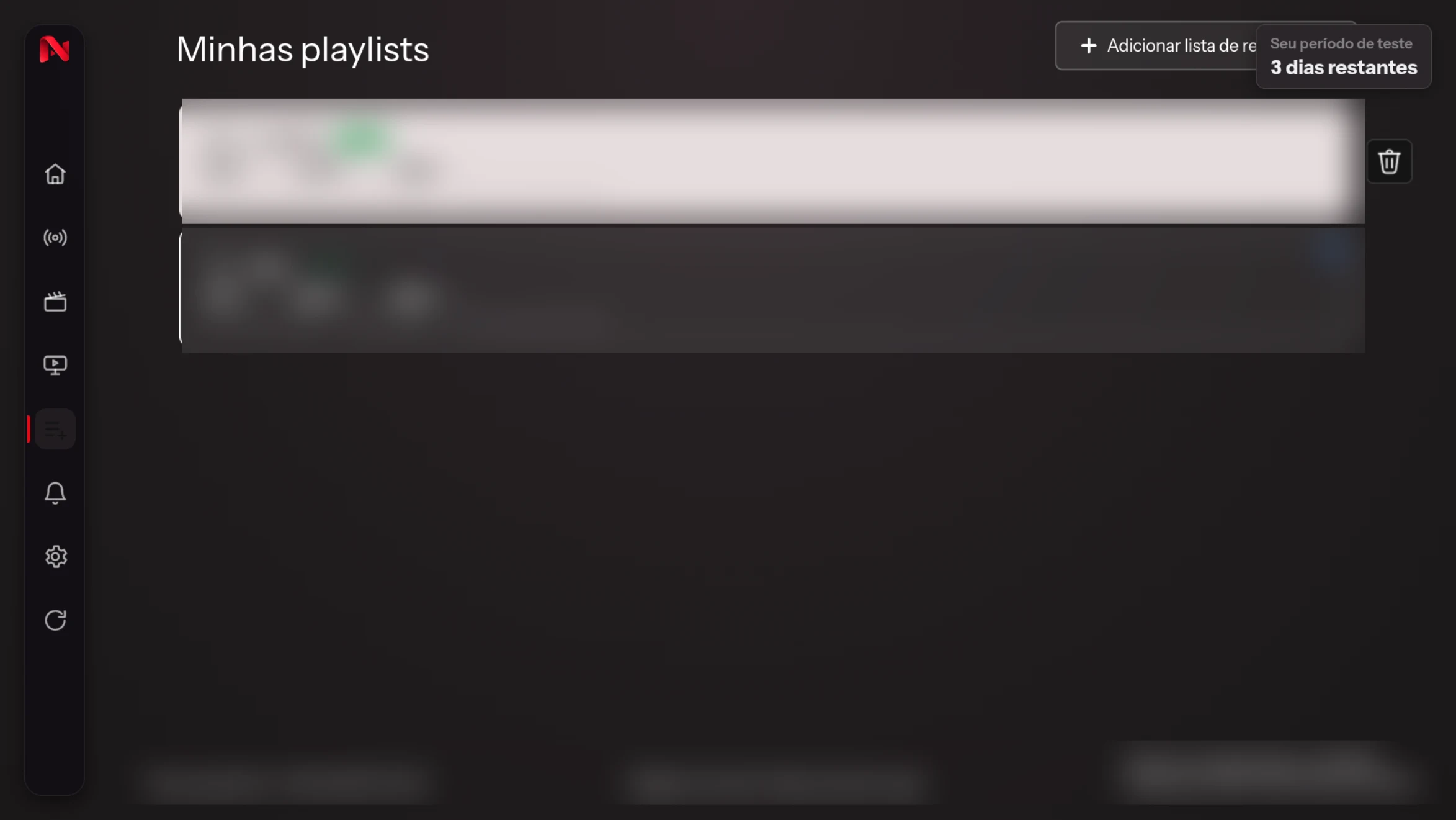
Add as many playlists as you want, from different providers, and switch between them anytime. Each one shows how many channels, movies and series it carries, when it was updated and how long it’s valid.
Install, sign in, watch.
-
Step 1
Install on
your TVFire TV, Android TV or LG. No account to create: the app opens and asks only for the terms.
-
Step 2
Enter the code
or your playlistA reseller code brings the playlist ready. If the playlist is yours, sign in with your Xtream DNS, username and password — or the M3U link.
-
Step 3
Watch
Channels become a guide; files become movies and series with posters. And the app remembers where you left off.
Built for the TV
One app across your devices.
Activate from your phone and the TV joins with a code. No passwords typed on the remote.
Available



Coming soon

Plans
Yearly or lifetime. No monthly fees.
7-day trial on first use of the app, no sign-up and no card. Then you choose once — and that’s it.
-
Yearly
— /year
- Full player, no ads
- Programme guide (now & next)
- Movies and series with posters and episodes
- Subtitles with sync adjustment
- Multiple playlists, from different providers
- Fire TV, Android TV and LG
-
Recommended
Lifetime
— one-time payment
- Full player, no ads
- Programme guide (now & next)
- Movies and series with posters and episodes
- Subtitles with sync adjustment
- Multiple playlists, from different providers
- Fire TV, Android TV and LG
-
For resellers
Per credit
- 1 credit = 1 device activation
- Your own panel at reseller.nexart.app
- Partner codes and DNS
- Sub-resellers with device caps
- Credit statement and fleet report
The plan unlocks the player. The content comes from your provider’s playlist — NexArt PLAYER does not sell or host third-party media.
Before you subscribe
Questions? We’ve got answers
Does NexArt PLAYER provide channels, movies or series?
No. We are a player. You connect your provider’s playlist (Xtream Codes or M3U). We take care of the interface, the guide and the organisation — the content is 100% your playlist’s.
Does it work with my current list?
Yes — M3U, M3U8 and Xtream Codes.
How do I activate the app on my TV?
Install the app on your TV and accept the terms. If you bought from a reseller, enter the code they gave you and the playlist comes ready. If the playlist is yours, sign in with your Xtream DNS, username and password — or the M3U link.
Which devices does it work on?
Today: Fire TV Stick, Android TV and LG (webOS). Samsung (Tizen) is in the works. NexArt PLAYER is a TV app — there is no phone version.
Can I use it on more than one screen?
Each TV is one device: install the app on each and activate them separately. How many screens can watch at once is your playlist’s rule, not the player’s — your provider decides that.
How does payment work?
Via Pix. Activated within minutes, no lock-in.
Bring your list.
We take care of the rest.
Seven-day trial on first use. No sign-up, no card.